
Cytron Technologies


Description:
Note: This kit comes with the Seeeduino -Lotus, Arduino UNO compatible board.
Note: The All In One Beginner Kit is now compatible with Scratch 3.0 graphical programming and there are 16 FREE lessons :) Check it out.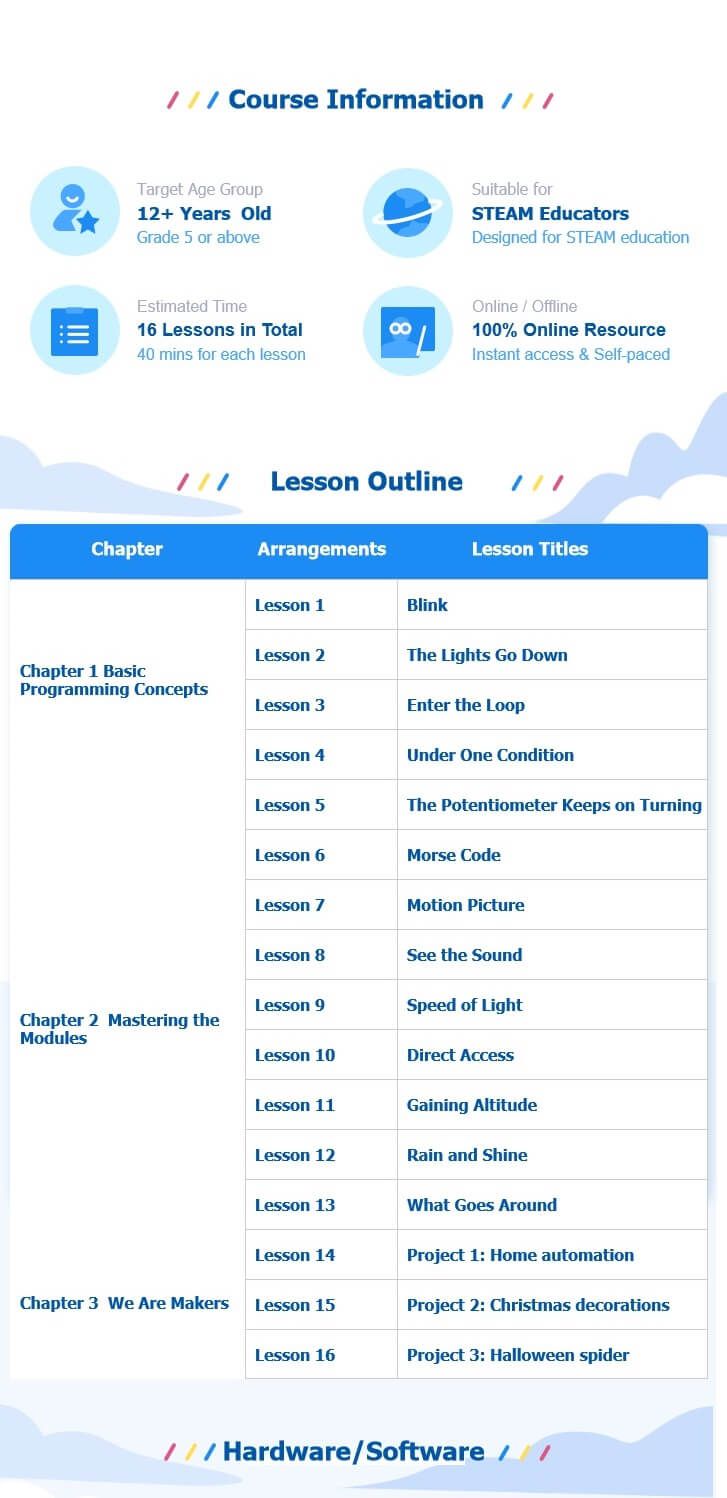
Here is a Video on getting Started :
YouTube : Easy way to start with Arduino
Learning new things is always difficult, and it's the same for Arduino beginners. You need to learn hardware knowledge, programming code, need to know connection methods of various complex interfaces, and even need to master welding skills. Tons of things are needed before you actually start learning Arduino programming. Well, we feel your pain, so we carry the Grove Beginner Kit for Arduino® from SeeedStudio, it is one of the simplest ways to get started with Arduino.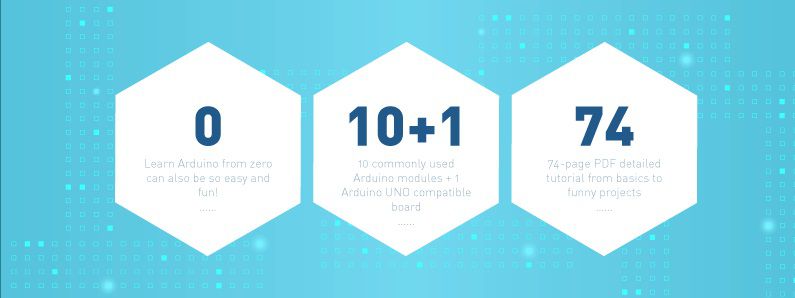
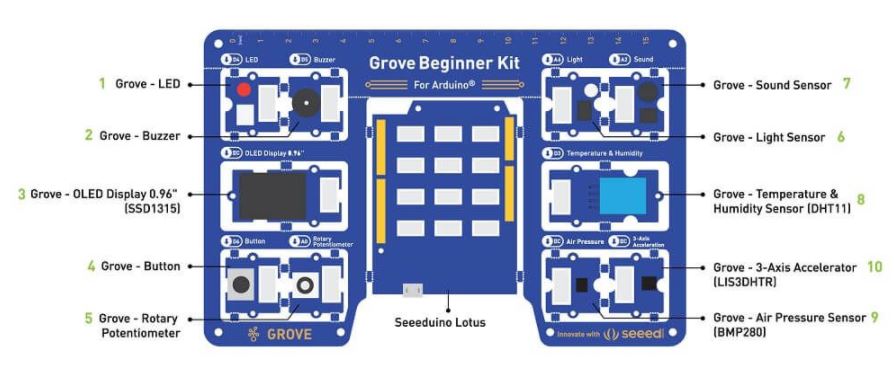
Unlike most kits, the Grove Beginner Kit for Arduino is an all-in-one kit, no breadboard, no soldering, even no wiring is needed. The kit cuts all those muss and fuss, aiming to give you the best experience, you only need to focus on coding and Arduino Learning. The kit is powered by one Arduino compatible Board (Seeeduino Lotus) together with 10 additional Grove Arduino sensors all in one piece of the board. 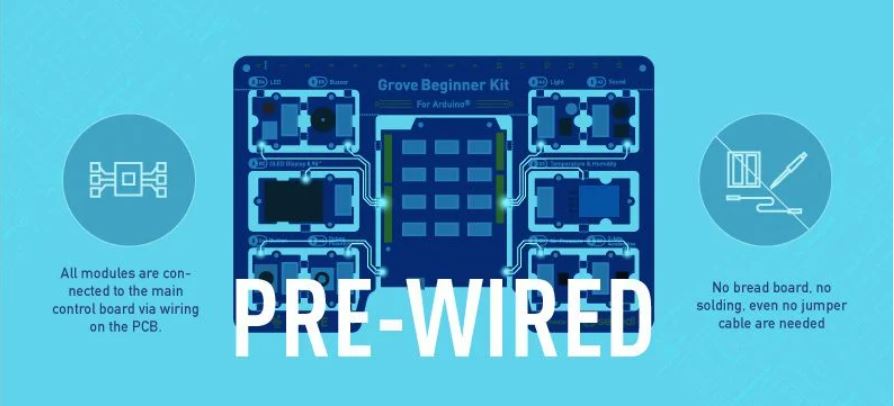
All the modules have been connected to the Seeeduino(Microcontroller) through the PCB stamp holes so no Grove cables are needed to connect. This is perfect for educational fields where frustrating wiring and soldering is no longer needed.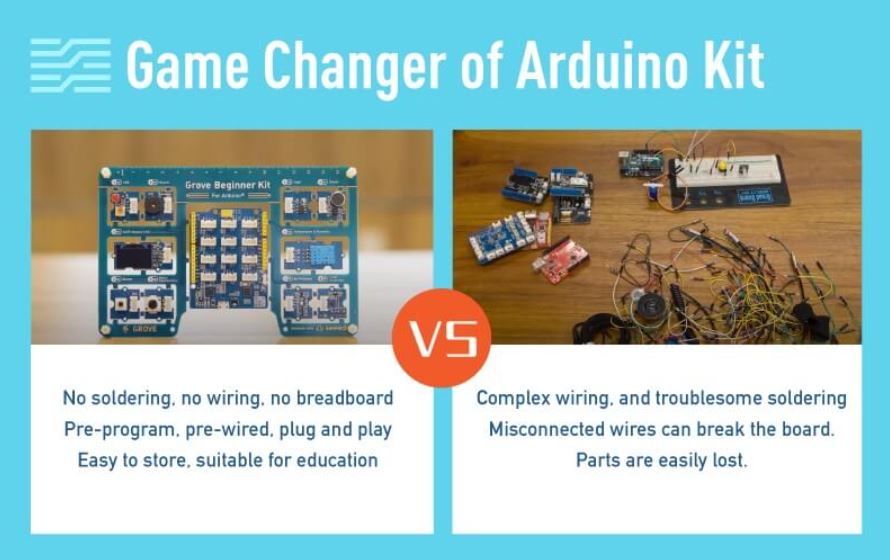
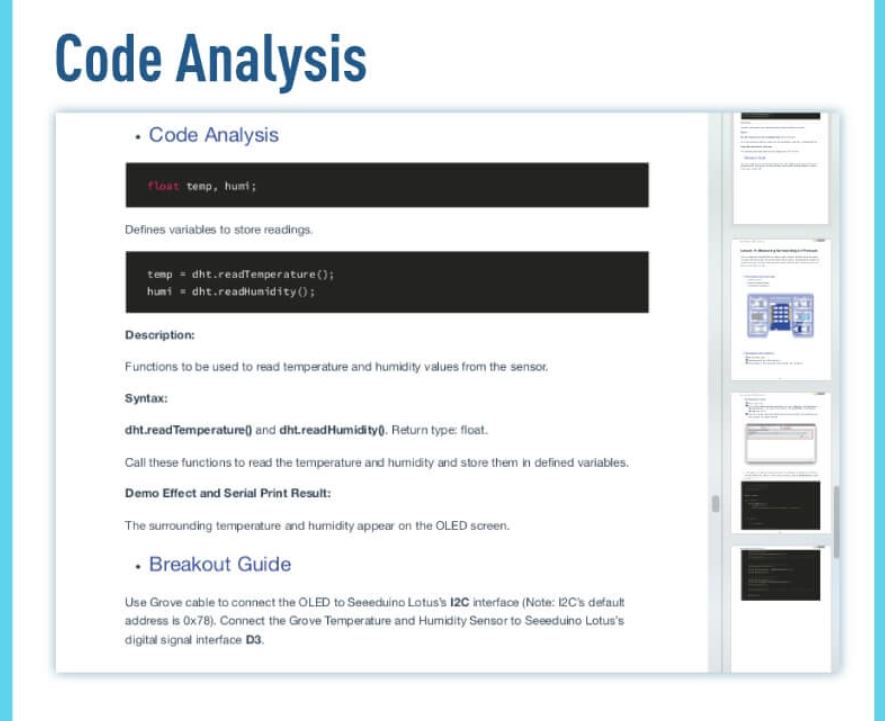
Of course, you can also take the modules out and use Grove cables to connect the modules. You can build any Arduino project you like with this Grove Beginner Kit For Arduino®.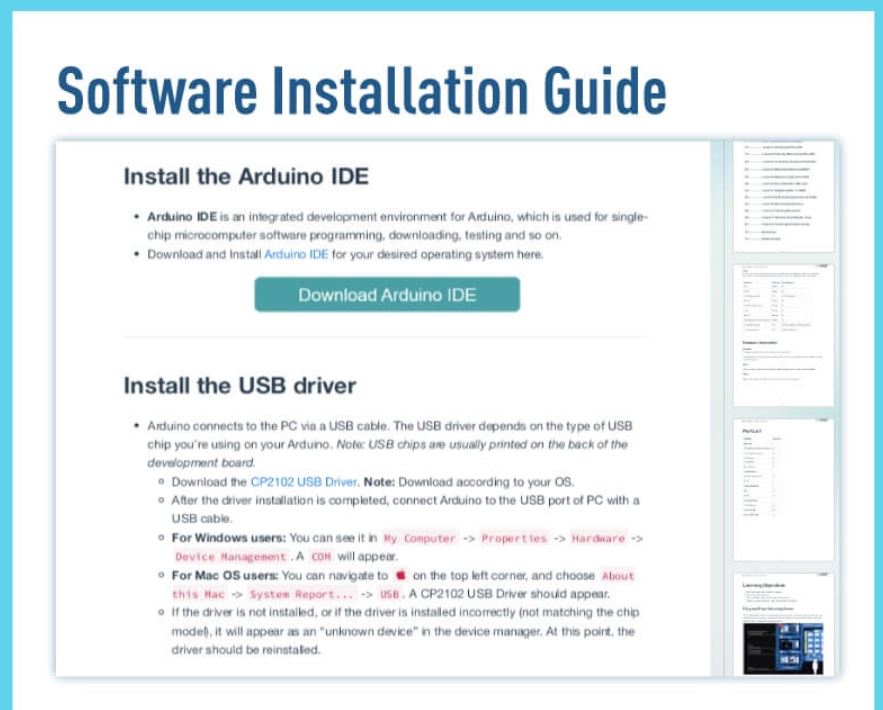


What is Grove?
Grove makes it easier to connect, experiment, and simplify the prototyping process. No jumpers or soldering required. We have developed more than 300 Grove modules, covering a wide range of applications that can fulfill a variety of needs. Not only are these open hardware, but also have open-source software.
Note: SeeedStudio also prepared example code and software libraries to help you running 12 different demos in just a few lines of code. Check this Wiki to get started now!
Features:
- Arduino UNO compatible board(ATmega320p based Seeeduino Lotus) 10 most commonly used Arduino modules
- All modules are pre-wired, no breadboard and jumper cables required
- 74 pages PDF wiki 12 step by step project tutorials
- Super friendly to beginner and STEAM education
- Compatible with over 300 Grove modules
Hardware Overview :
What's in the box?
- Included in Kit:
- Grove Beginner Kit For Arduino Board x 1
- Micro USB Cable x 1
- Grove Cables x 6
- Included on the board:
- Grove - LED x 1
- Grove - Buzzer x 1
- Grove - OLED Display 0.96" x 1
- Grove - Button x 1
- Grove - Rotary Potentiometer x 1
- Grove - Light x 1
- Grove - Sound x 1
- Grove - Temperature & Humidity Sensor x 1
- Grove - Air Pressure Sensor x 1
- Grove - 3-Axis Accelerator x 1
- Seeeduino Lotus x 1
Resources:
- Please visit the wiki for more information about the Grove Beginner Kit For Arduino®
- Grove Beginner Kit for Arduino Wiki (pdf)
- Grove Beginner Kit for Arduino Schematic Design Files
- Scratch 3.0 Graphical Programming, 16 FREE Lessons
- Sensor Datasheet
- Initial Arduino Firmware Demo
- Grove Beginner Kit for Arduino Resources in one (20200401) [7z]